How to start
Your first steps with Millibar
Welcome to Millibar — your diving experience starts here
Follow these simple steps to create your digital diving profile and connect with the diving community.
1
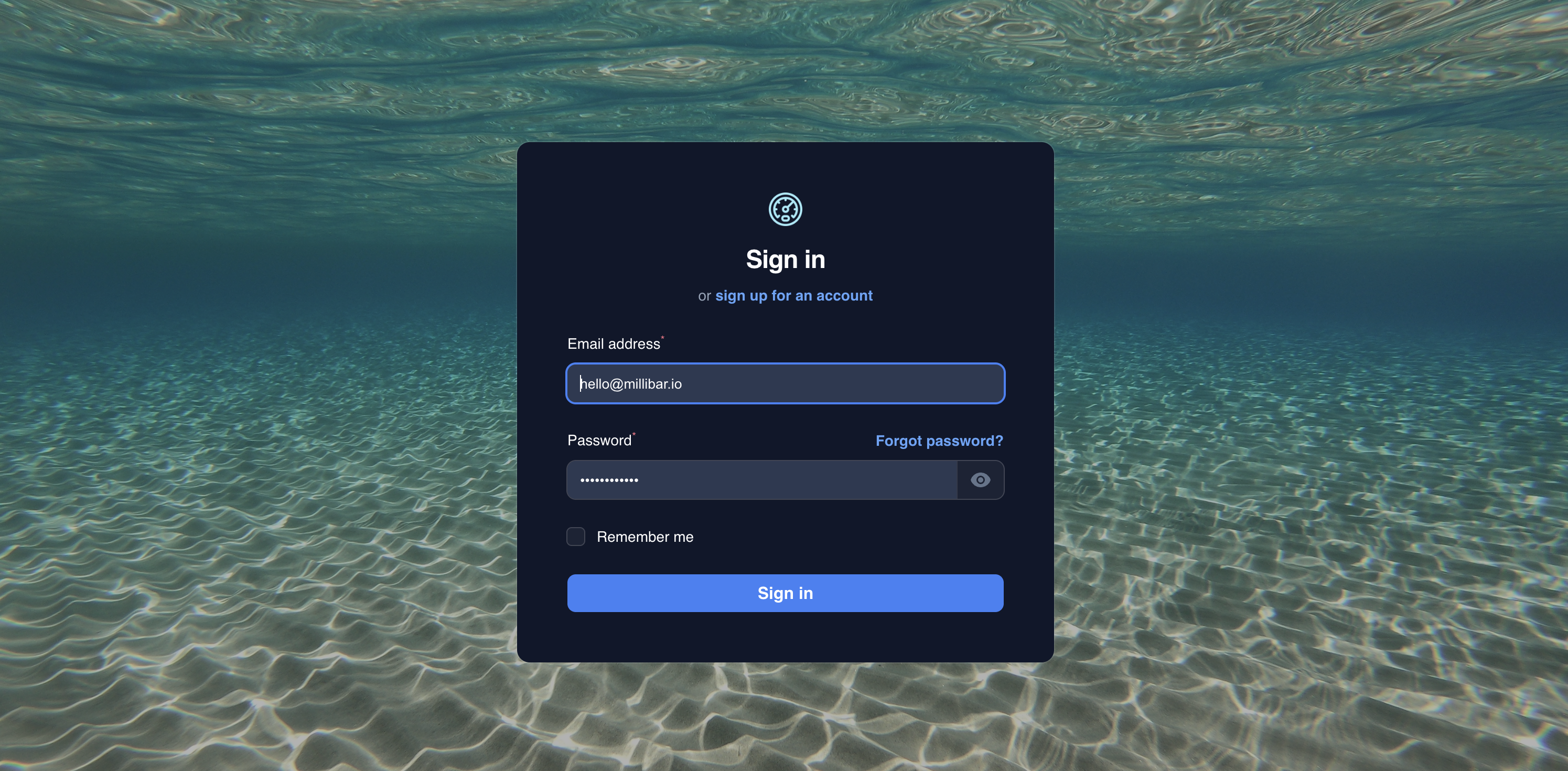
Create Your Account
Start by creating your free Millibar account. You'll need a valid email address and a secure password.
- Click the "Register" button in the top menu
- Enter your personal information
- Verify your email address
- Complete your basic profile
2
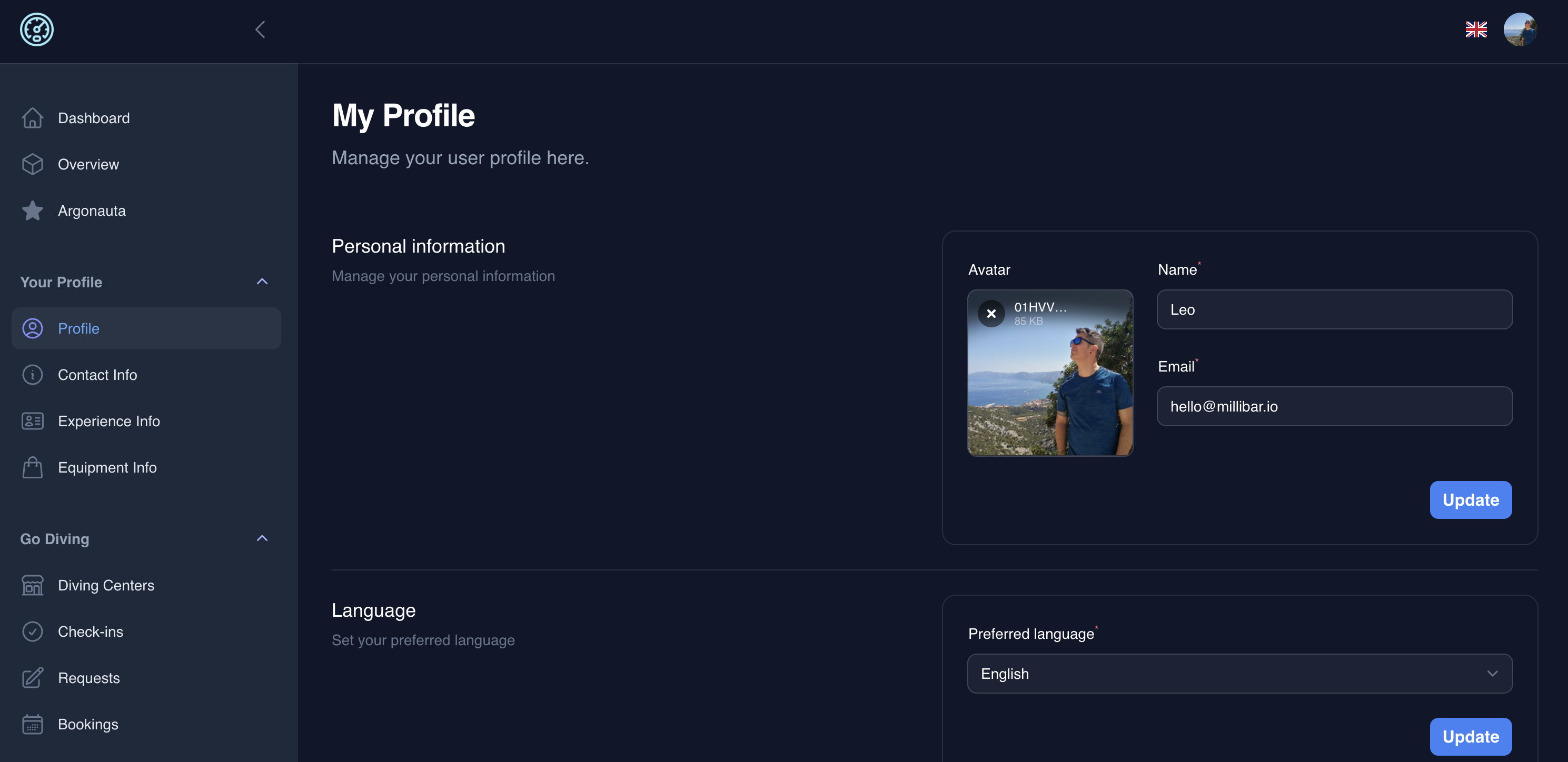
Complete Your Diving Profile
Enhance your profile with additional diving information and preferences.
- Add your diving experience and total dives
- List your preferred diving equipment
- Set your diving preferences and specialties
- Upload a profile photo
3
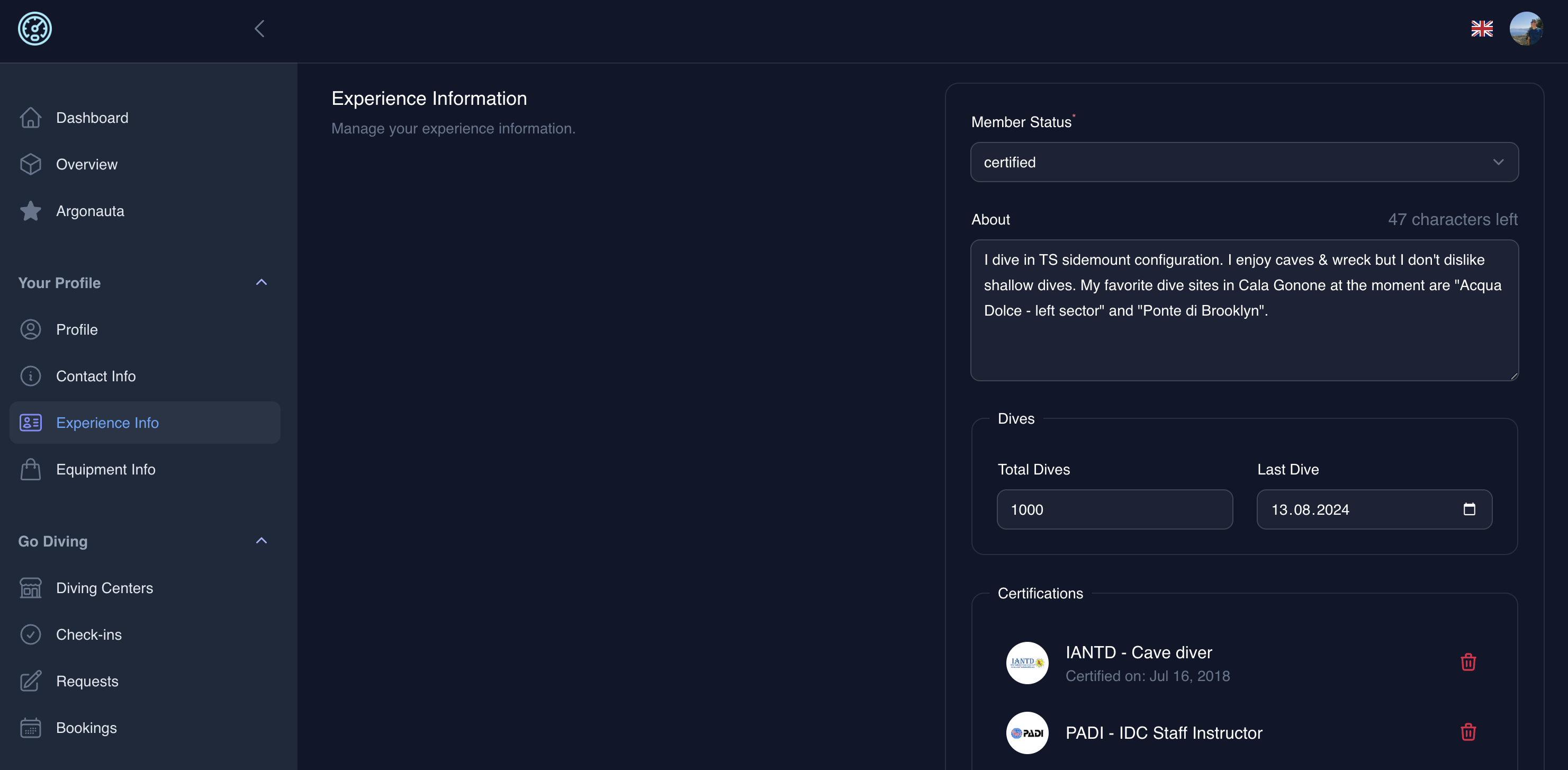
Add Your Certifications
Upload your diving certifications to build your digital diving credentials.
- Navigate to your profile dashboard
- Select "Add Certification"
- Choose your certification agency (PADI, SSI, NAUI, etc.)
- Enter certification details and upload documents
4
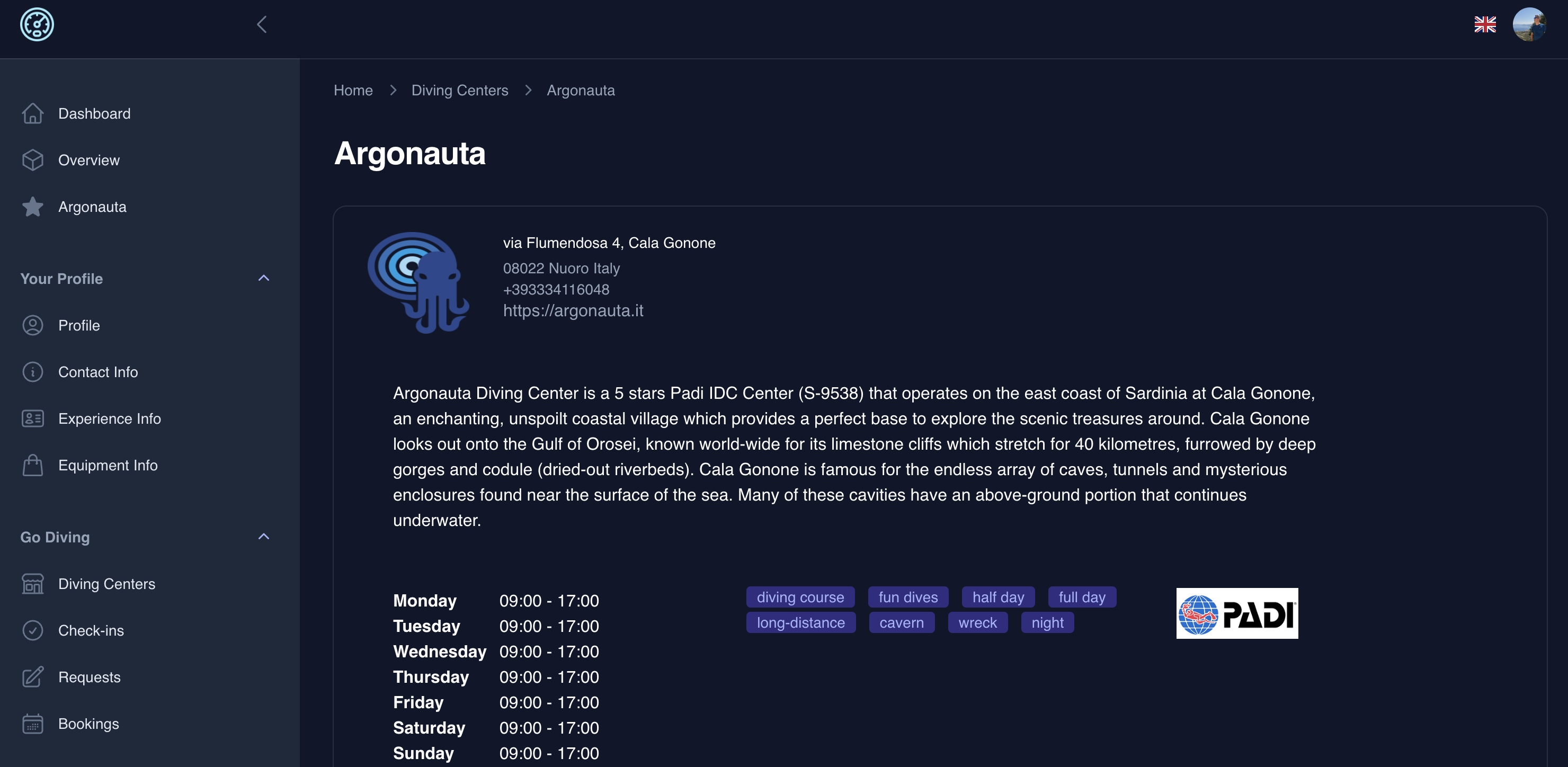
Connect with Diving Centers
Discover and connect with diving centers around the world.
- Browse our directory of diving centers
- View center profiles and services
- Book diving activities and courses
- Leave reviews and ratings
Want to hear more?
Get in touchChoose your path
Millibar works for both divers and diving centers. Pick the guide that fits you.
2026 © Millibar Technologies - All Rights Reserved